Introduction
Welcome to the documentation for the Discord Bot Kuyo
This documentation covers setup and configuration, if you run into any issues or you have questions, feel free to join the Support Server.
Invite Kuyo
Click here** to invite Kuyo. Select your server and authorize the bot.
Check Permissions
Make sure Kuyo has the right permissions. The invite will ask for Administrator so it can work properly. You can invite it with less, but some features may not work as expected.
Use FlaviBot's Invite Generator (Application ID: 1494592271218114600) to customize permissions before you invite the bot.
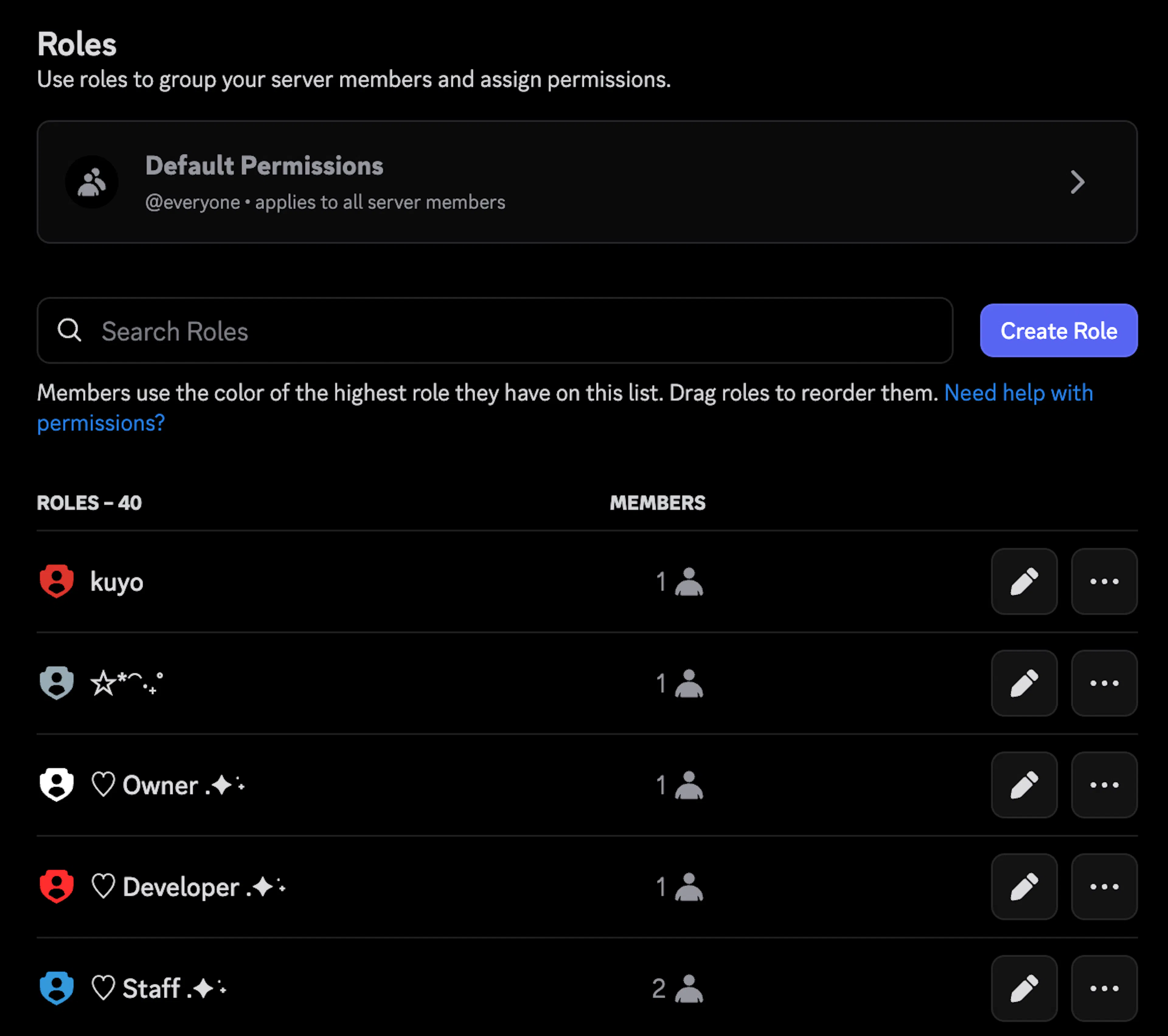
Role Hierarchy
Make sure Kuyo's role is at the top of the role list. Kuyo cannot moderate anyone who has a role above it.