
System Messages
Welcome & Goodbye Messages
Setting up a welcome message is basically the same as a goodbye message, so it will only be explained once, using welcome as an example.
To configure a welcome message, do /system welcome menu. Here you can add a normal welcome message or setup Ping on Join.
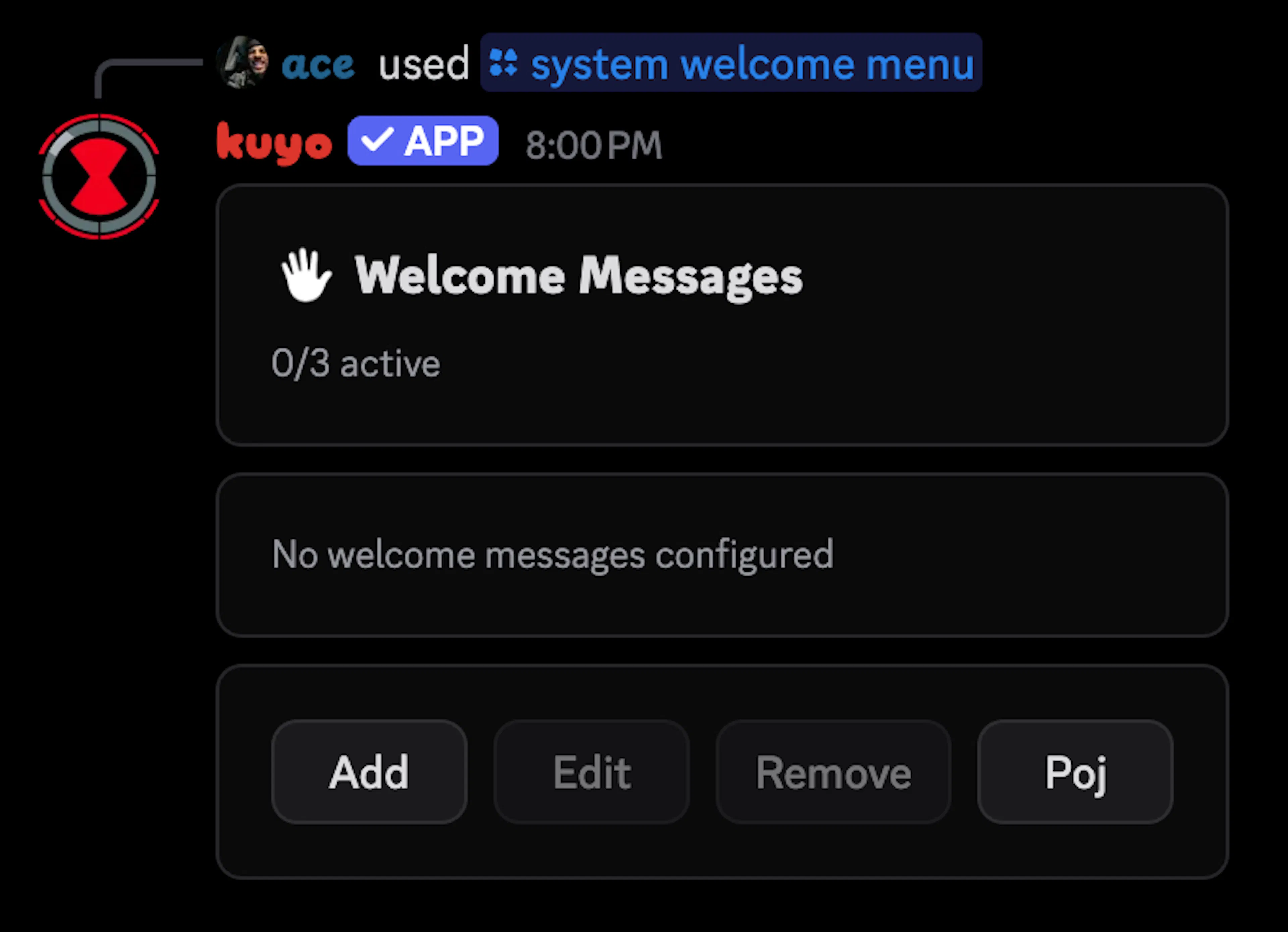
Welcome Messages
Click Add to add a message, then select where you want the welcome message to send. Click Next and select a template (for template help, visit this link).
Your welcome message will use the pingable settings of the template. Meaning if pingable is off, it will not mention anyone. This includes variables like {user.mention}.
Once selected you can change it's settings.
| Setting | Explanation |
|---|---|
| DM on join | DM the user the welcome message. This will use one of the 3 welcome slots. |
| Ignore bots | Do not welcome bots. |
| Send as webhook | Make the welcome message send as a webhook. |
| Send Delay | Set a send delay |
| Delete on leave | The welcome message will automatically delete once a user leaves (max window is 7 days). |
| Wait for onboarding | Will wait for the user to finish onboarding and rules screening. |
| Variations | Select up to 10 different templates, Kuyo will send a different one every time. |
Ping on Join
Ping on join sends a simple user mention in a channel and deletes it after a set time. This uses a normal welcome slot. Learn more about limits here.
Boost Messages
Open the /system boost menu, click Add and select an event.
There are 4 events to choose from:
| Boost | Triggers if a user boosts the server. |
|---|---|
| Unboost | Triggers if a user unboosts the server. |
| Level Up | Triggers if the server goes up a level (Level 1 -> 2 -> 3) |
| Level Down | Triggers if the server goes down a level (Level 3 -> 2 -> 1) |
Once an event is selected, you can select whether you want the message to send to a channel or the users DMs and then a template (for template help, visit this link).
Your boost message will use the pingable settings of the template. Meaning if pingable is off, it will not mention anyone. This includes variables like {user.mention}.
| Setting | Explanation |
|---|---|
| DM on event | DM the boost message. This will use one of the 4 boost slots. |
| Send Delay | Set a send delay. |
| Auto Delete | Automatically delete the message after a set time. |
| Variations | Select up to 5 different templates, Kuyo will send a different one every time. |
| Send as webhook | Make the boost message send as a webhook. |
| Only first time boosts | Only sends the message on the first boost. Make sure the boost system message is enabled, otherwise Kuyo will not know how often someone boosts. (Server Settings -> Engagement -> Send a message when someone boosts the server) |
| Delete boost system message | Delete the boost system message(s). |