
Template Gallery
You can browse public templates and import them to your collection, or publish your own templates.
Adding to the Gallery
For a template to be added to the gallery, you need to change the visibility from Private (the default), to Public.
Open the template editor and click on the Privatebutton at the top.
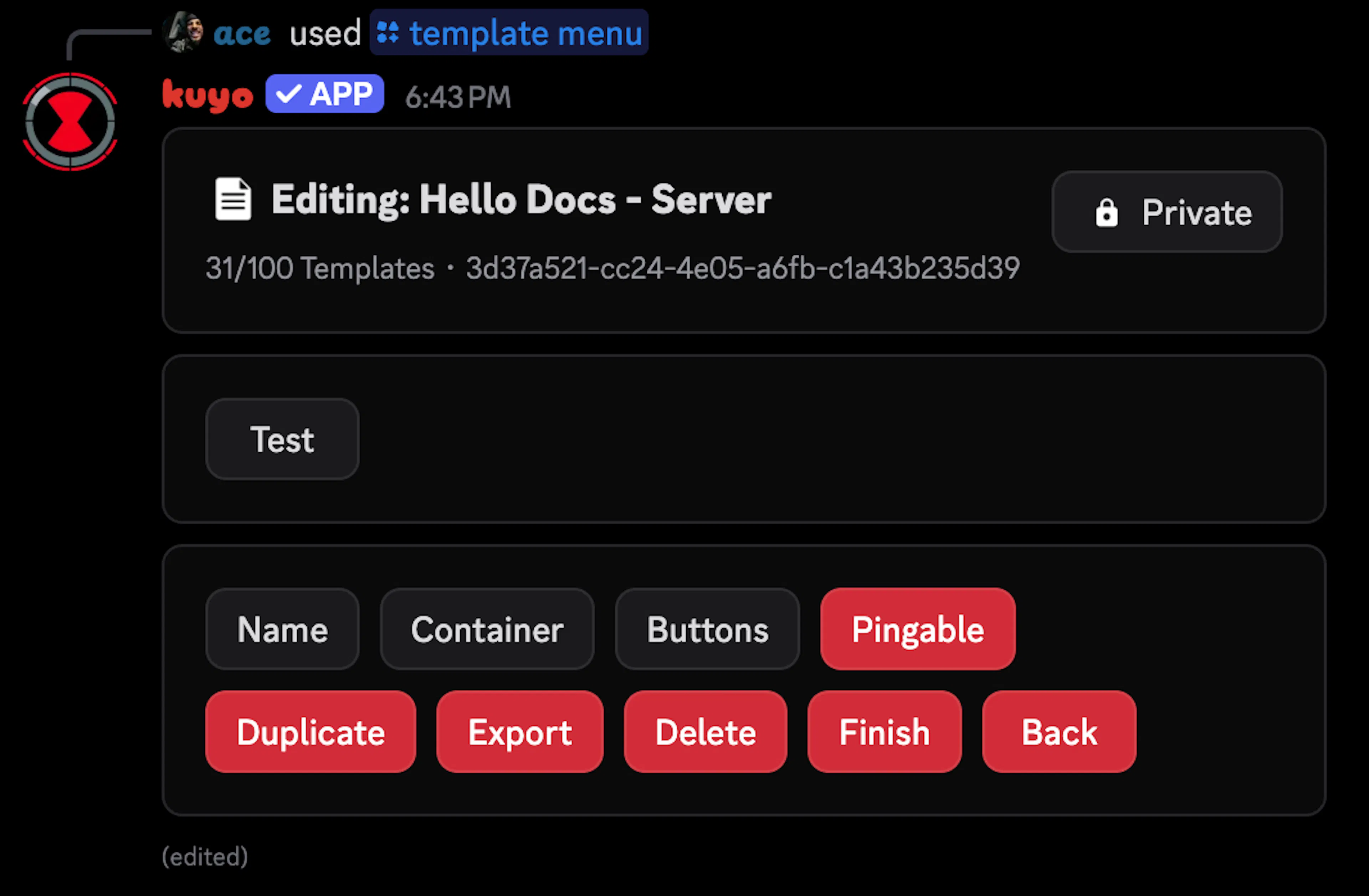
This will send an ephemeral message, click Make Public, set your name and select a category.
You can also use the /template status command.