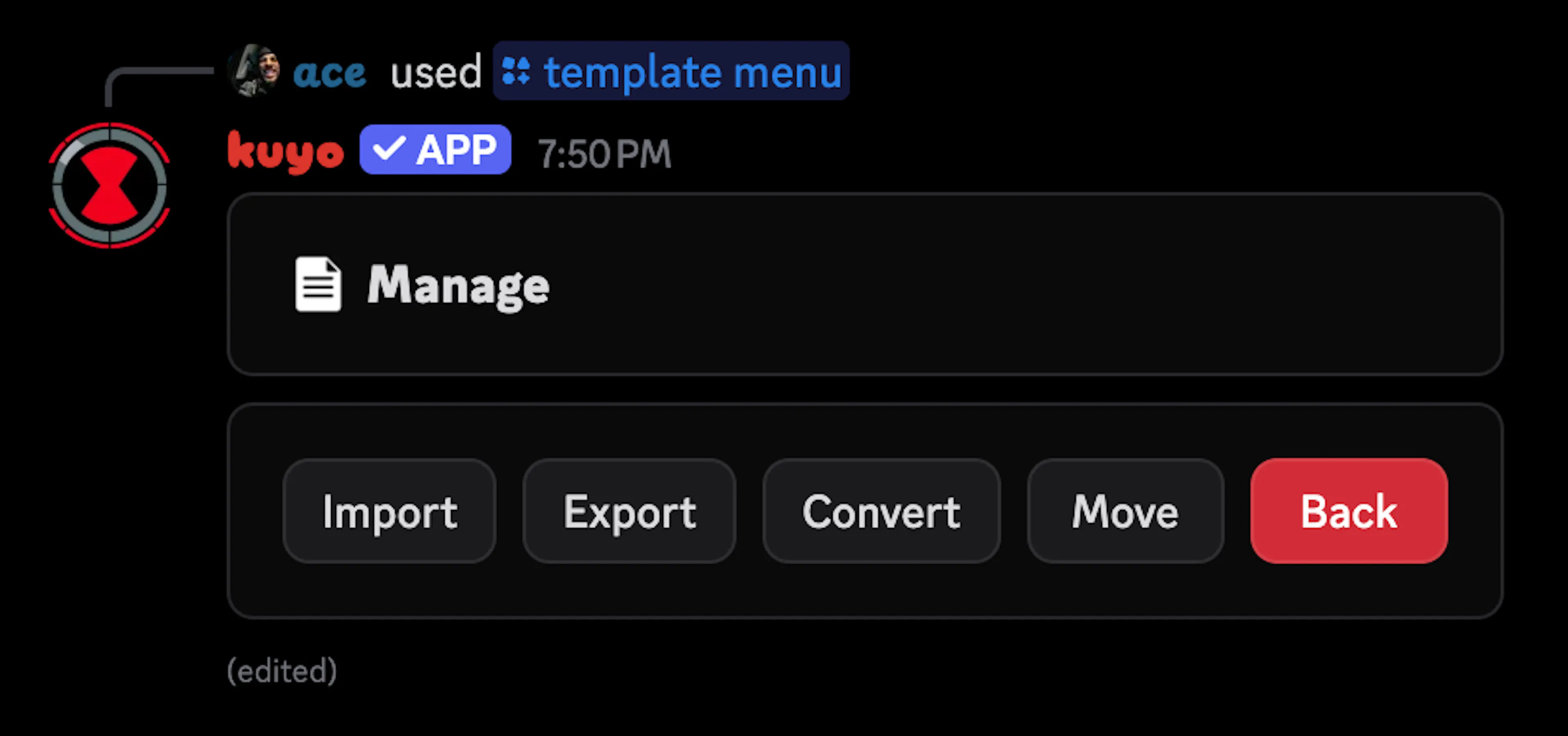
Managing Templates
Importing & Exporting Templates
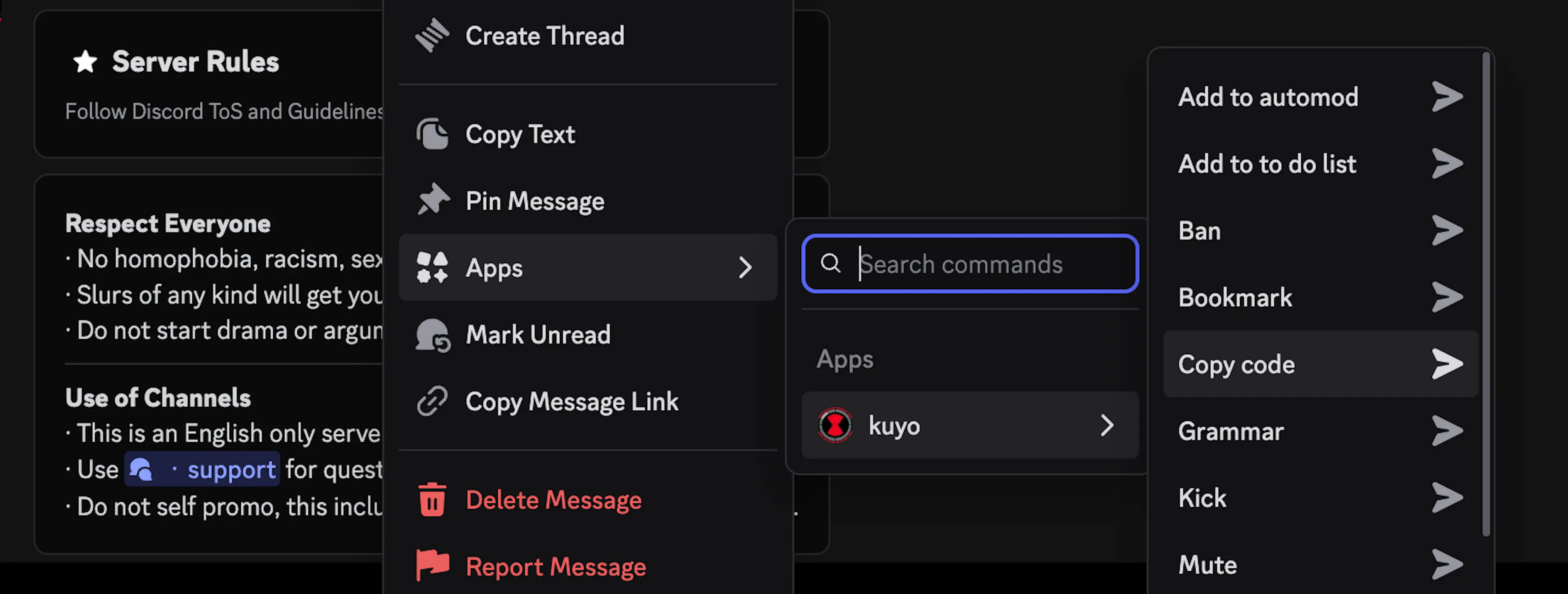
You can take import an existing container/embed/message to your template collection by right clicking it and selecting "Copy Code".
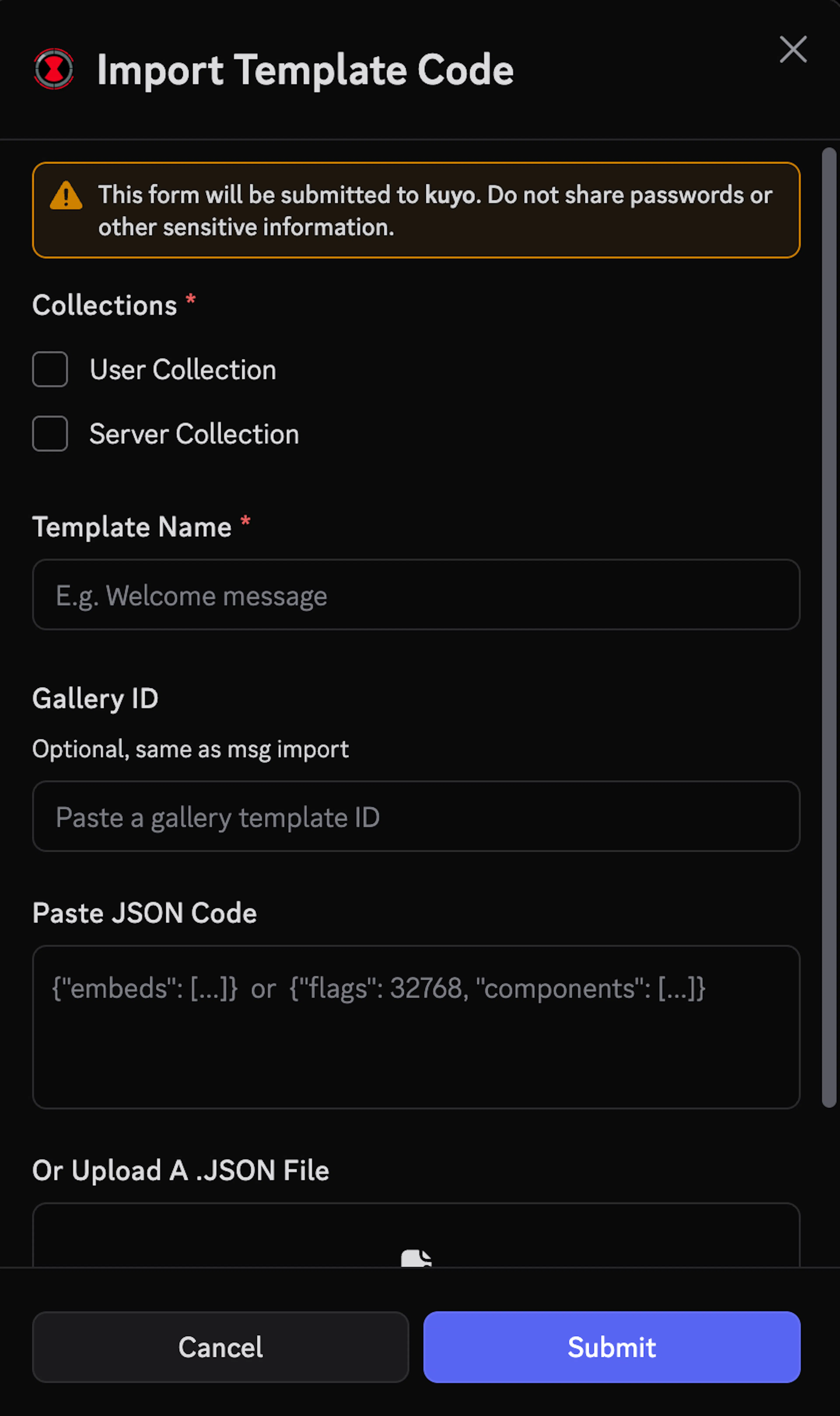
If you have raw JSON code, a .JSON file or a template UUID from a public template (one that's the gallery), you can import it from the Manage tab in /template menu.
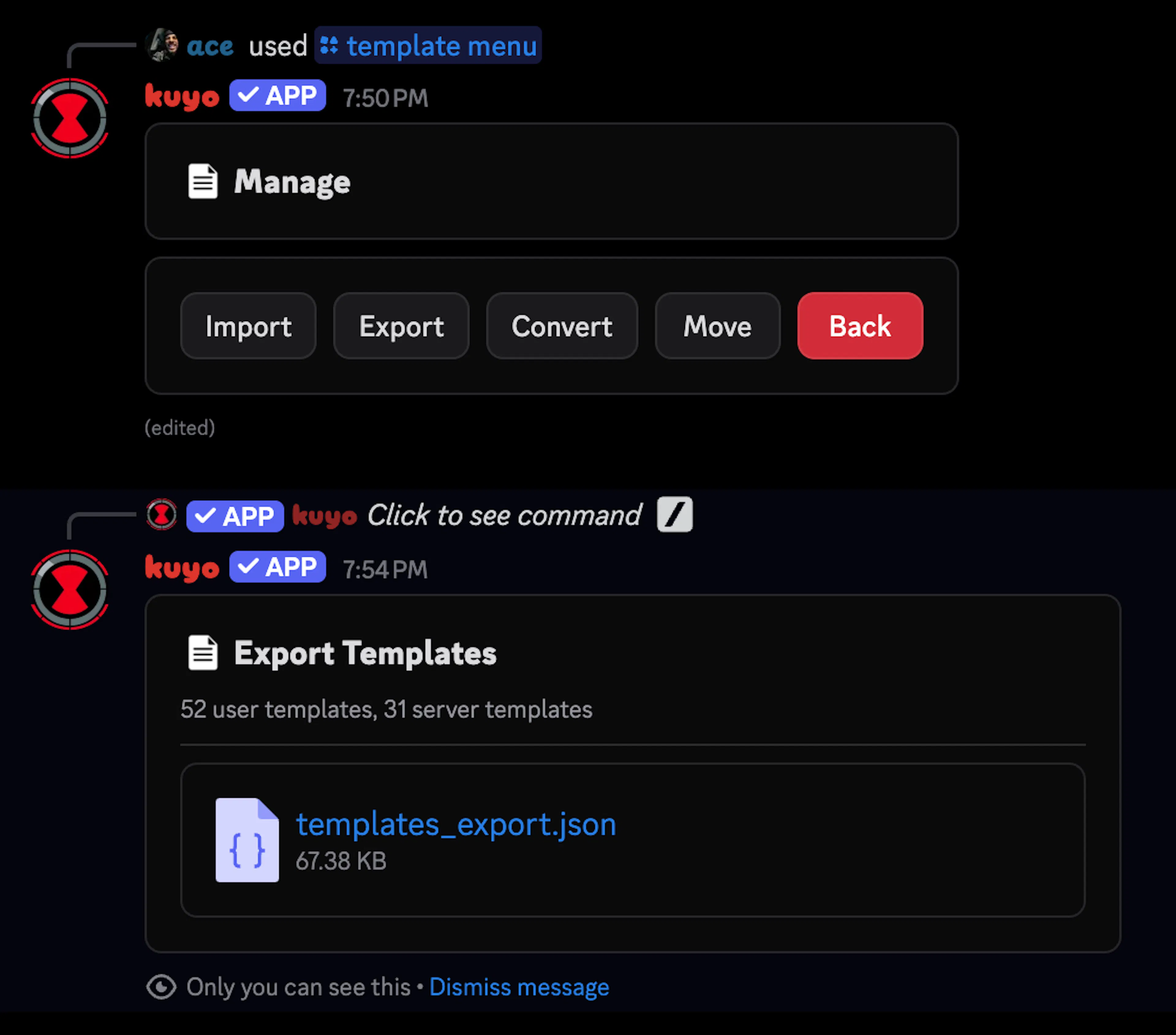
In that same menu, you can also export your entire collection to a JSON file.
Moving Templates across Collections
Converting a template creates a copy in the other collection and keeps it in the original, while moving "deletes" it from the original collection. You can convert or move a template in the Manage tab in /template menu.