
Counting
Count up together in a channel
You can setup Counting in the /counting menu, by clicking Set Up. By default you can have up to 2 counting channels. Each channel keeps its own count, but the settings are the same for all of them. Learn more about limits here.
Removing a channel deletes that channel's count.
Counting rules
People count up from 1. If Multi Count is off, the same person cannot count twice in a row.
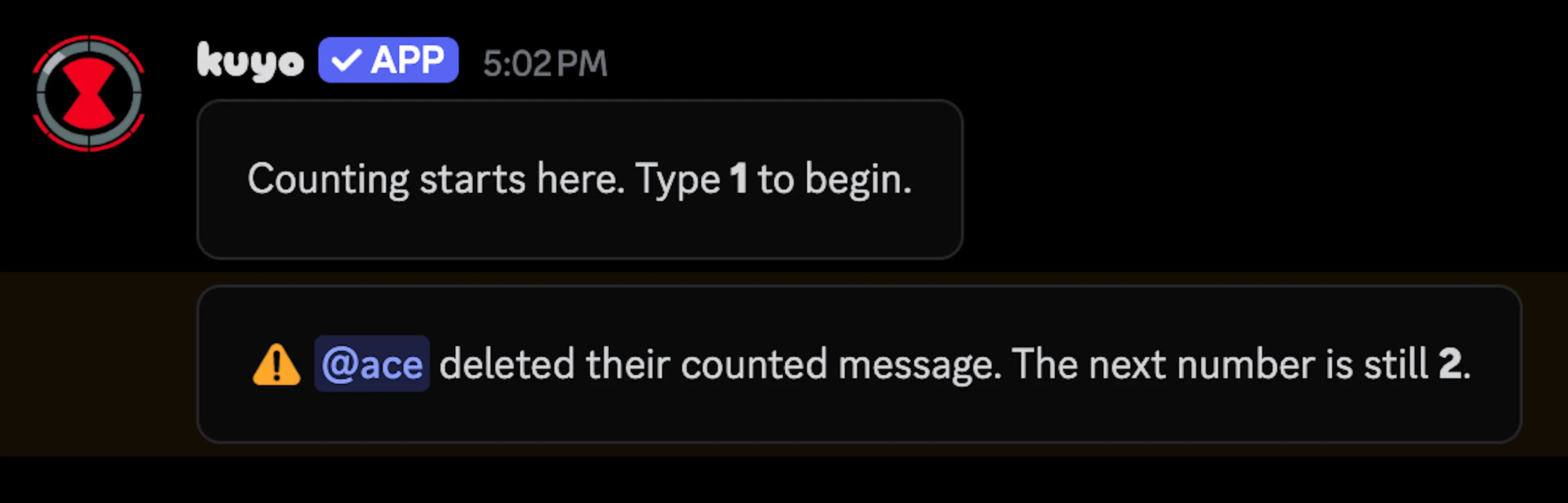
A wrong number resets that channel to 0. Editing or deleting a counted message does not reset it.
Modes
Math Mode
By default Math Mode is on, so messages like 2+3 count if they equal the next number.
No Text Mode
If this is enabled, every message is treated as a count, so anything that is not a valid number fails.
Multi Count
This lets the same person count twice in a row. It is disabled by default.
Fail Role and Ignore Roles
You can set a Fail Role from the dropdown. When someone fails this role gets added to them.
You can also set Ignore Roles. Members with these roles are ignored, they do not count and do not fail.
if you put the Fail Role under Ignore Roles too, one fail can lock someone out of counting.
Other settings
You can require accounts to be up to 90 days old before they can count, with New Account Protection. New accounts get a warning that deletes after 30 seconds, this does not break the count.