
Sticky Messages
Keep a message at the bottom of a channel
You can setup a sticky message in the /sticky menu, by clicking Add. If you want the same sticky in multiple channels, you can select up to 10 here.
Sticky messages work with templates, if you need help creating one, visit this link. If you just want a plain message, select Plain Text instead.
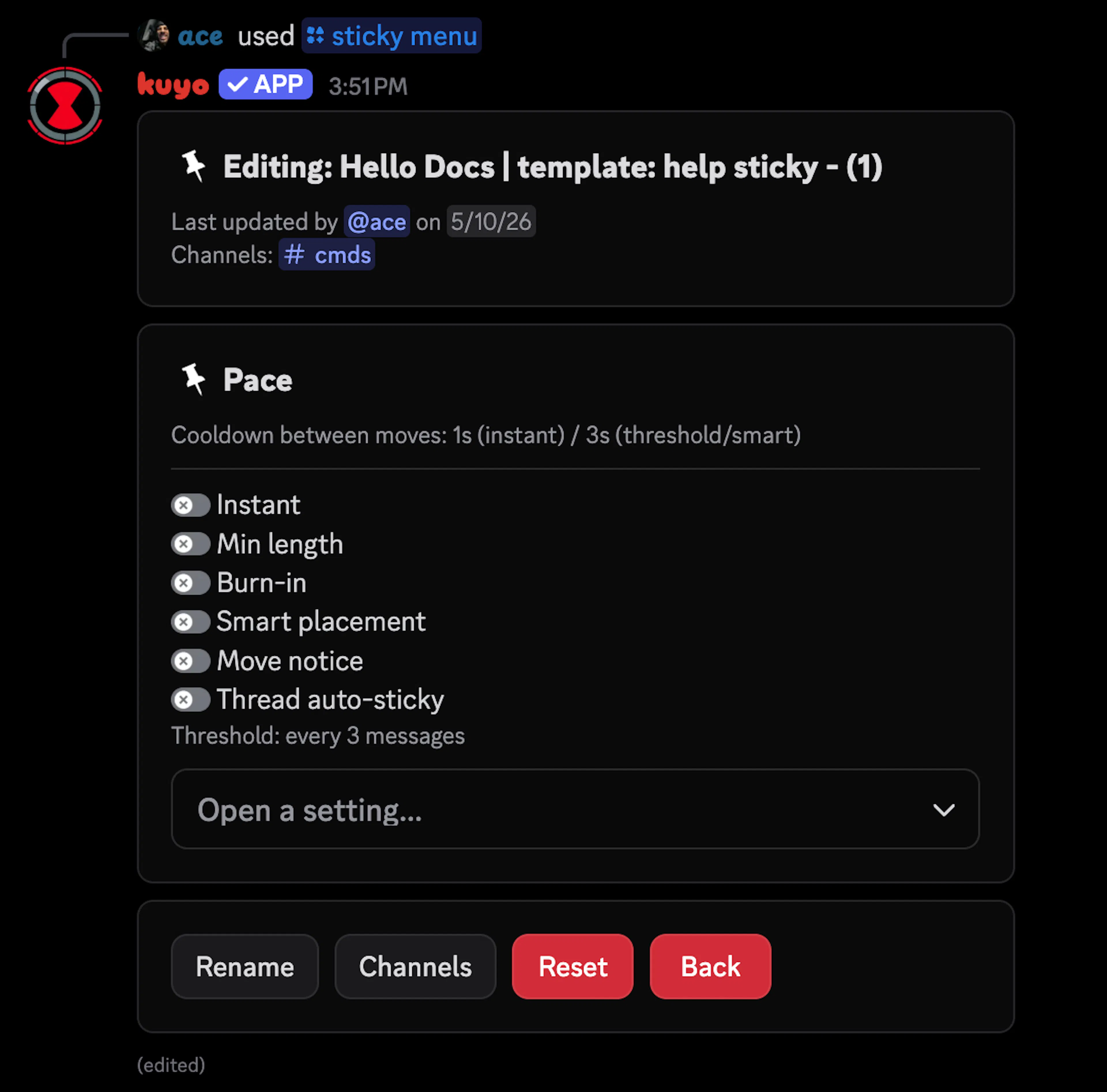
Setting a sticky pace
By default, a sticky message sends after every 3 messages, you can change this by clicking on Pace in the dropdown.
It is recommended to use Smart in busy channels so conversations don't get interrupted.
Smart mode tries to detect conversations. A 20 second timer starts on the first message that counts (if it passes minimum length and other filters). 5 or more messages count as a conversation, if the conversation slows down (1 or fewer messages in 20 seconds) it will post the sticky. It will always post the sticky after 60 seconds.
If your channel is not very active and you only want the sticky message to show when someone is talking, you can enable Burn-in. This will automatically delete the sticky message after a set time, only if the channel is not active.
Filters
If you want Kuyo to ignore certain things, select Filter from the dropdown. Here you can edit the allow and ignore filter.
Allow: Only messages that match the allowed filter will count and trigger the sticky message.
Ignore: Messages that match the ignore filter will not trigger the sticky message.
You can set a filter for roles, bots, attachments and links. In the pace settings you can also set the minimum length a message has to be for it to trigger a sticky message.
Send as webhook
If you want Kuyo to send the sticky message as a webhook instead, select Webhook from the dropdown and customize your webhook there.
Webhooks can only send 30 messages per minute. This is a Discord limitation.
If you don't like this, you can also customize Kuyo's appearance with /bot avatar.
Threads
You can enable Thread auto-sticky from the dropdown, to make a sticky message automatically send in a thread. Kuyo will send the sticky in the new thread and also count it as a setup.
This means that it will create a new sticky config for that thread and count towards the sticky limit. Learn more about limits here.
Snoozing a sticky
You can snooze a sticky with /sticky snooze, when a sticky is snoozed it will not trigger at all.
Other settings
Move Notice
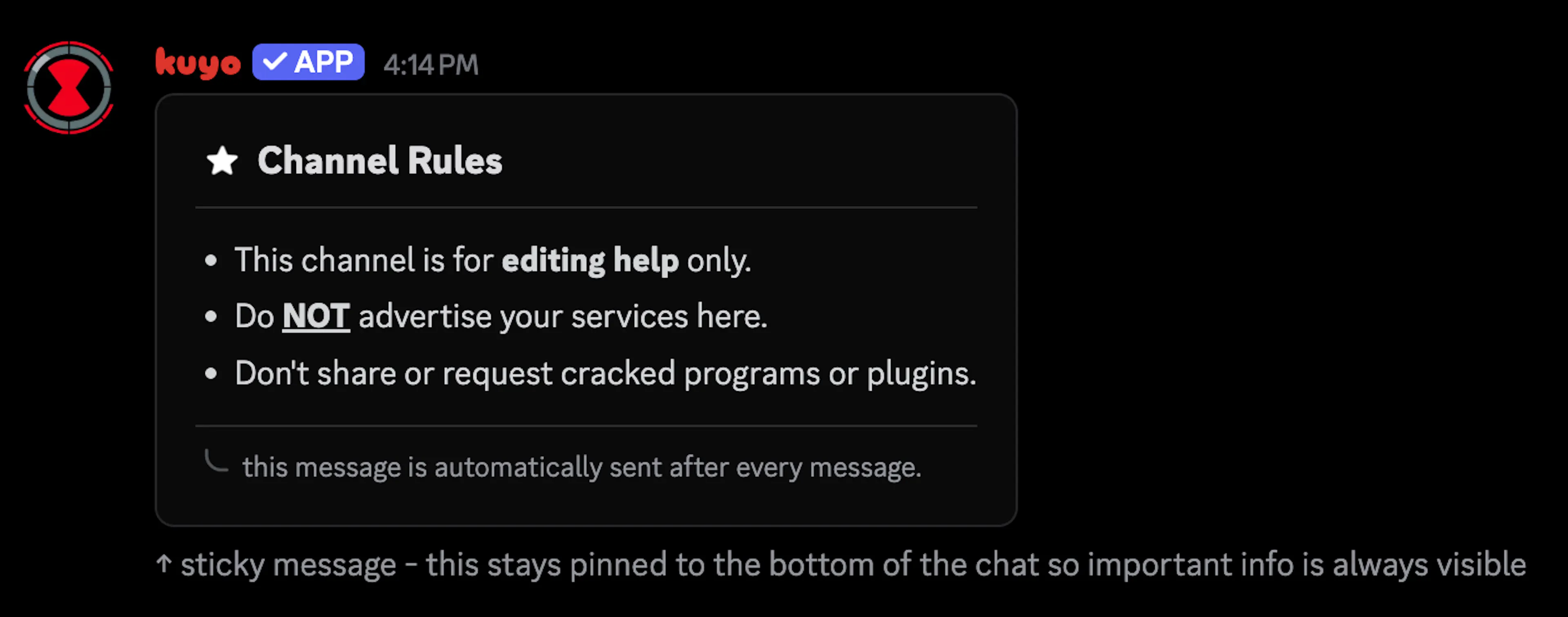
You can enable the Move Notice to let people know that it is a sticky message, it will send once every 5 minutes right after the sticky.
Quiet Hours
You can set a start and end hour for when you don't want the sticky to send. This uses the UTC timezone.
Variations
Select up to 5 different templates for Kuyo to choose from whenever it sends the sticky.