
Message Reposter
Shows the content of a message link
You can setup Message Reposter in the /reposter menu. When someone posts a message link from this server, and if they have access to the channel the message was sent in, Kuyo shows that message in a container.
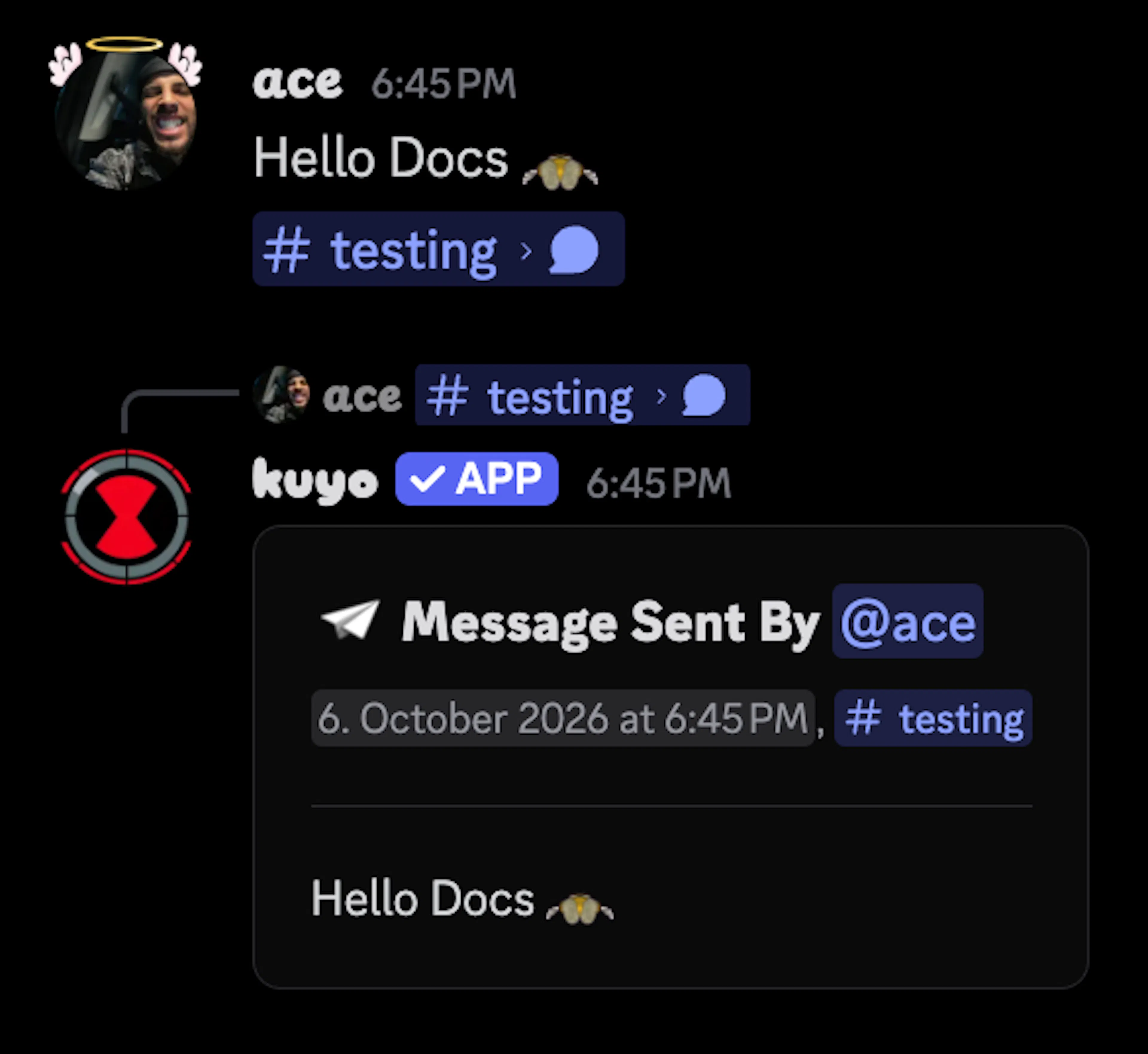
Kuyo uses the message text, or content from a container (Components V2).
Settings
By default, files on the linked messages are not included. You can turn on Attachments in Settings if you want images and other files on the reposter message. Note that the person who sends the link needs Attach Files permissions.
Delete Link will automatically delete the message that contains the message link.
You can enable Spoiler so the mirrored text stays hidden until someone clicks it.
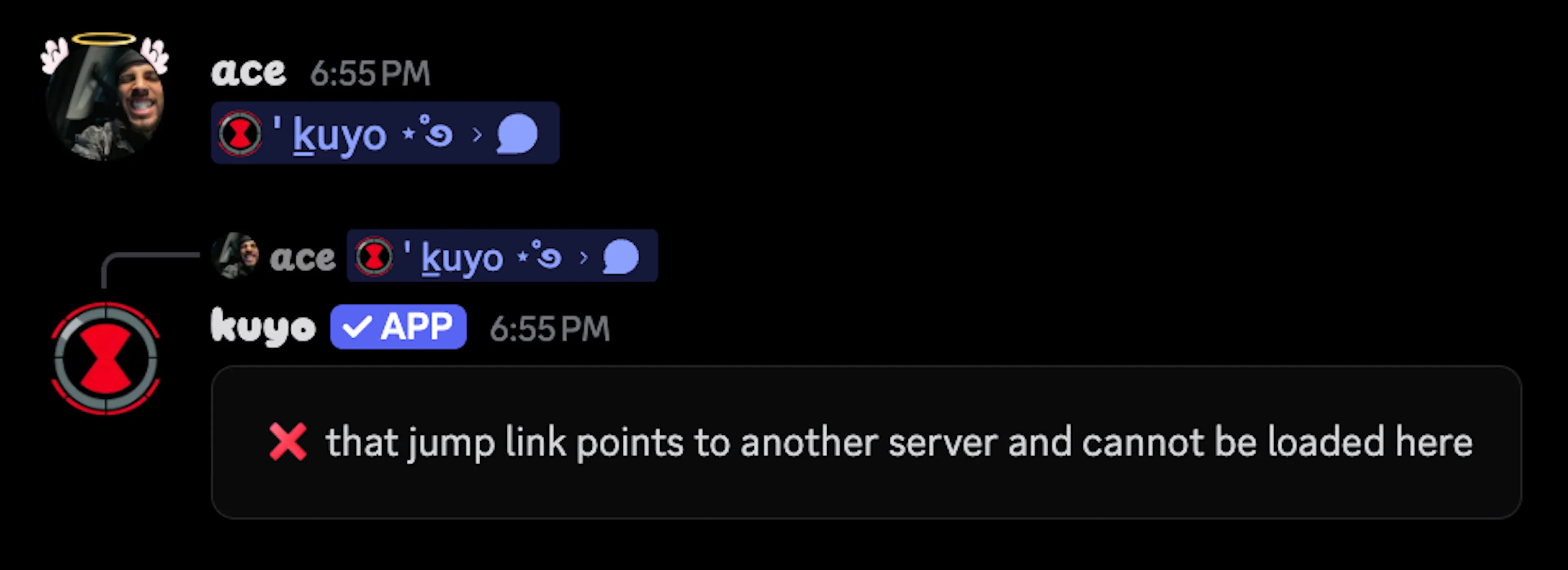
If you want Kuyo to tell people when a link cannot be mirrored, turn on Errorsin Settings.
Customizing the card
Select Customizefrom the menu if you want to change how the card looks. By default th ecard shows a timestamp with the date and source channel. You can also show an avatar next to the header.
Under Separatoryou can change the spacing size, and turn the first and second separators on or off.
By default, the Linkand Discardbutton are enabled, and Deleteand Pinare off. Linkopens the original message, Discarddeletes the reposter message, Deletedeletes the original message the link points to and Pinpins that message. Buttons that require permissions will only show if that member has them (Manage Messages and Pin Messages).
You can turn each button on or off under Buttons, and you can also customize all of them.
Filter
If you want to control who can trigger a repost, select Filtersin the menu. Here you can edit Allowand Ignore.
Allow: Only matching messages get mirrored.
Ignore: Matching messages do not get mirrored.
You can filter by roles, channels, categories and members.