
Moderation Settings
General moderation settings
You can access moderation settings in the /settings menu.
General Settings
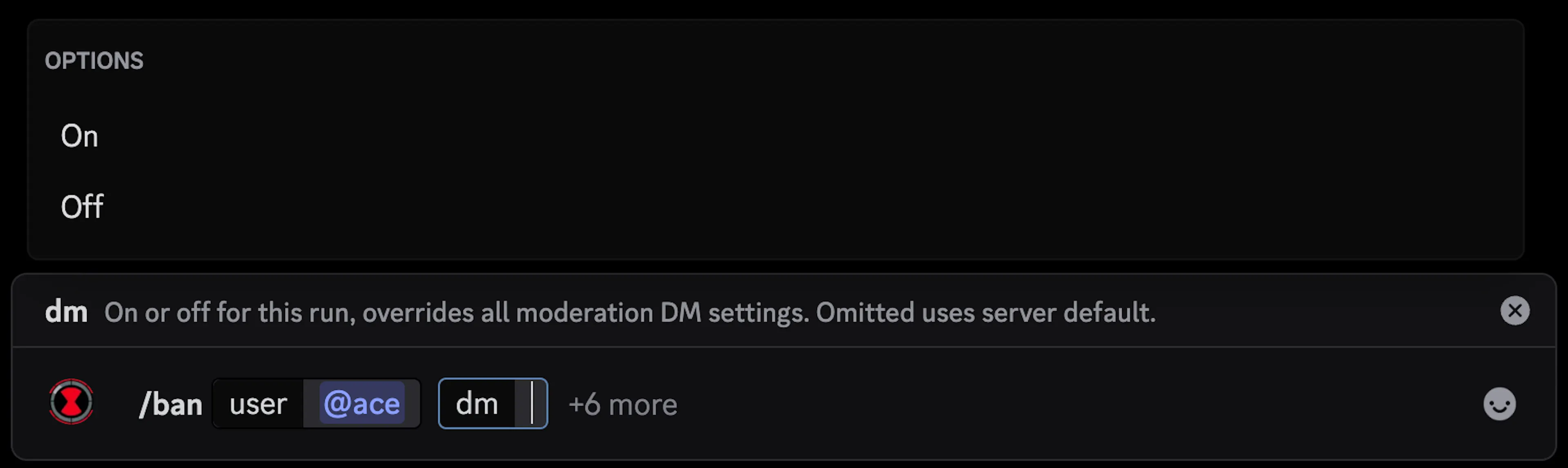
DM on punish is enabled by default. If you turn this off, Kuyo will no longer DM members if they get punished, even if you have it enabled in the punishment settings. You can still enable DMs for a specific punishment when you run the command, by setting DM to on (same for off).
Only executor can undo makes it so only the user that punished someone can undo that specific punishment. Users with the Administrator permission bypass this.
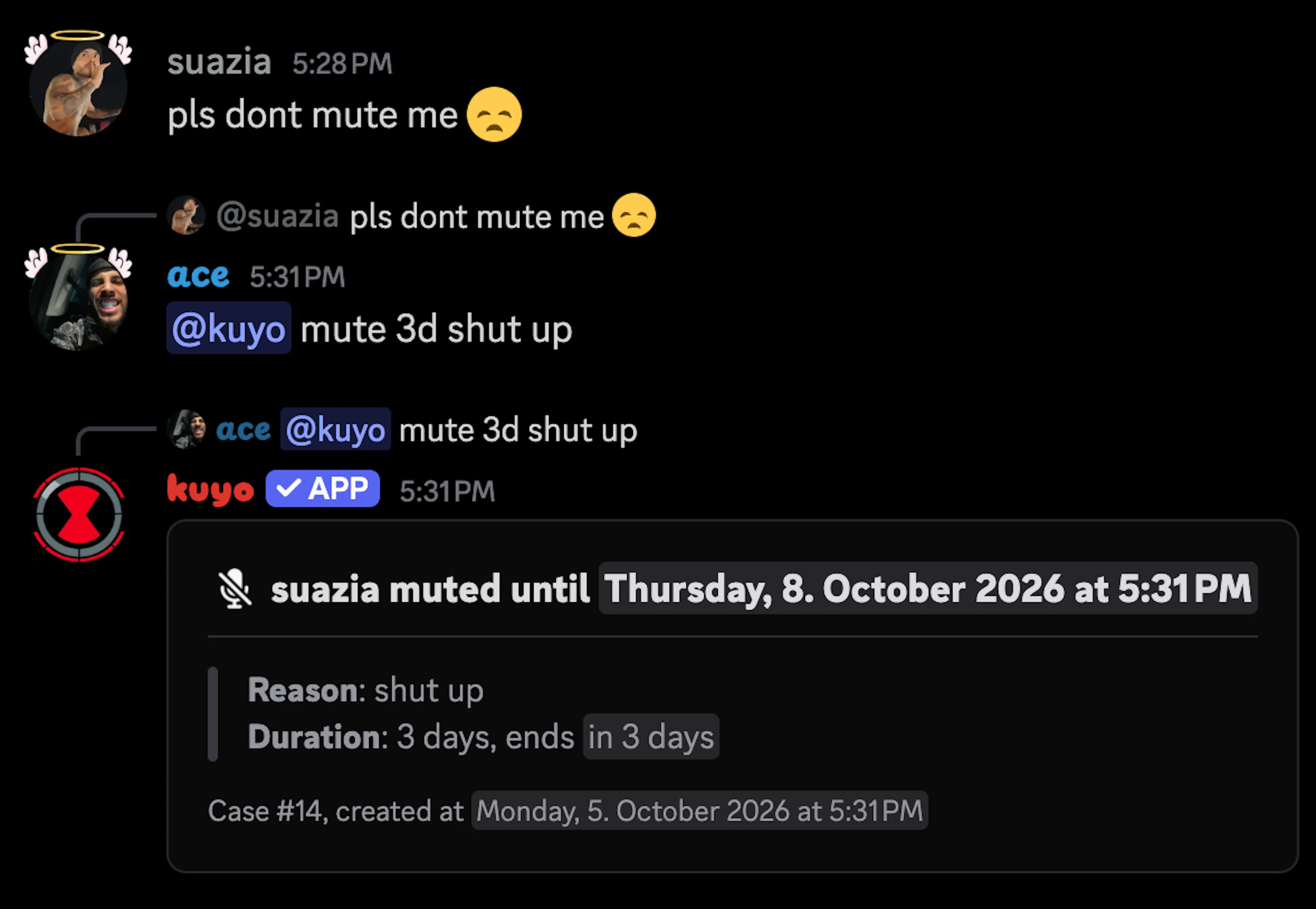
If reply to punish is enabled, replying to a user's message with a punishment command will punish them.
Create case on manual ... will automatically create a Kuyo case if someone manually punishes someone through Discord. Closing that case will undo the punishment.
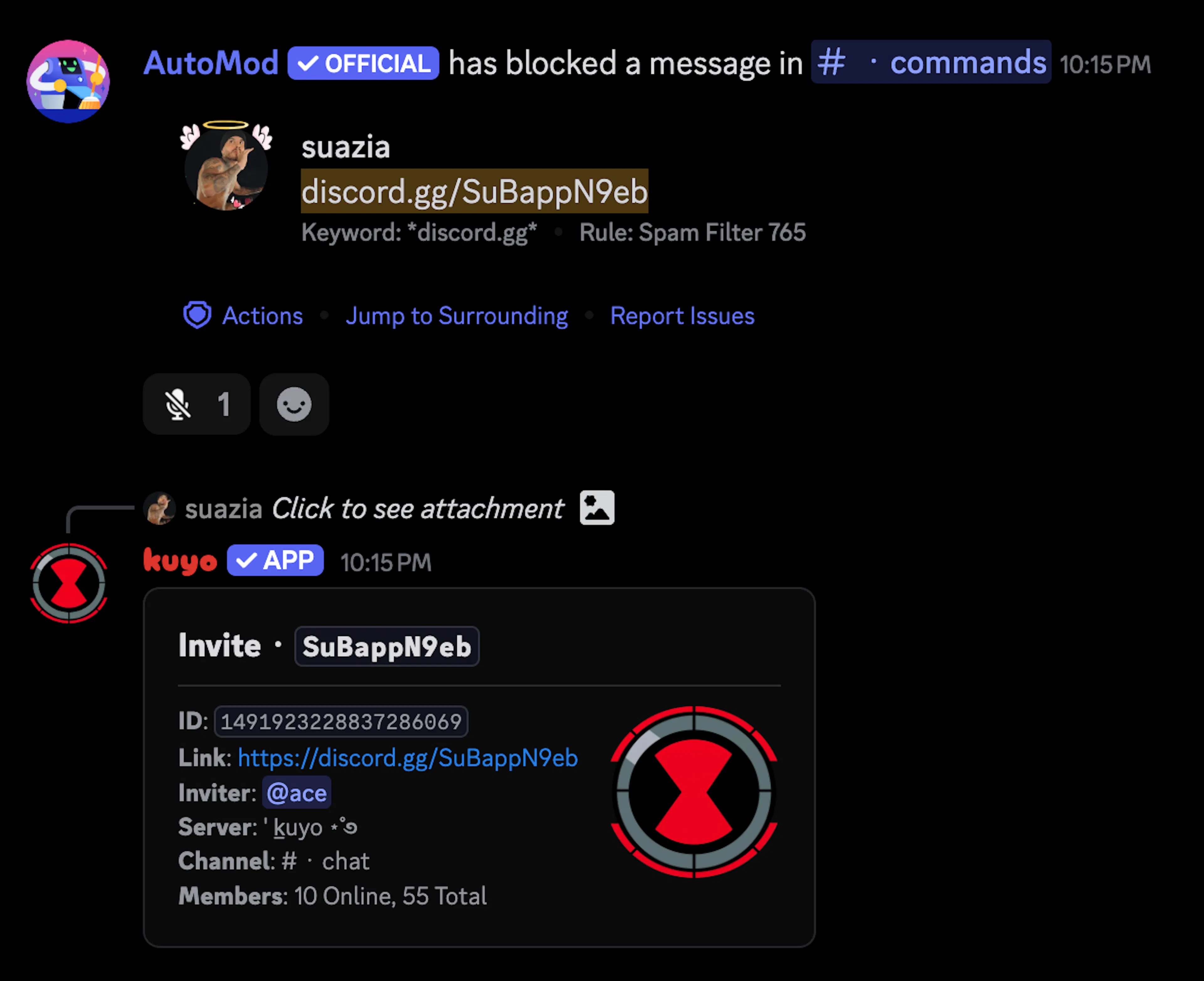
If react to blocked message on punish is enabled and someone sends a message that gets blocked, and then they are punished within 24 hours, Kuyo will react to that blocked message with the punishment emoji.
If reply to blocked message with invite info is enabled and someone sends a message that gets blocked with a Discord invite link, Kuyo will reply to that blocked message with the invite info.
Punishment Settings
You can set defaults for each punishment in the Punishments menu. DM this action on a punishment is only used when DM on punish is on in the general settings.
If DM on punish (in the general settings) is off, nobody gets a punish DM, even when DM this action is on (for example for ban).
If DM on punish (in the general settings) is on but DM this action is off (for example for ban), bans still do not DM them.
Basically, for Kuyo to DM them both settings need to be enabled. The only true override is the setting in the slash command as shown above.
Certain commands have role actions, if you used the setup command for any of the mute settings, your muted role will automatically be added here. You can find the quarantine role settings in the Quarantine menu.
You can also select if you want to use Discord's timeout feature for the normal /mute command. If enabled, /mute and /timeout will do the same thing, but role actions will still run if setup for /mute.
If you have autorole setup and a user that is currently punished leaves, Kuyo will not autorole them if they join back.
Customize Messages
In the Messages tab, you can customize every single confirm and DM message. You can find a list of variables in the text display, or in /resources variables.
Vote Ban/Kick/Mute
Vote commands are disabled by default, if enabled anyone can start a voteban, kick or mute.
You can set the default vote time, ban and mute duration. The default vote time is 30 minutes, that means voting ends 30 minutes after someone runs the command.