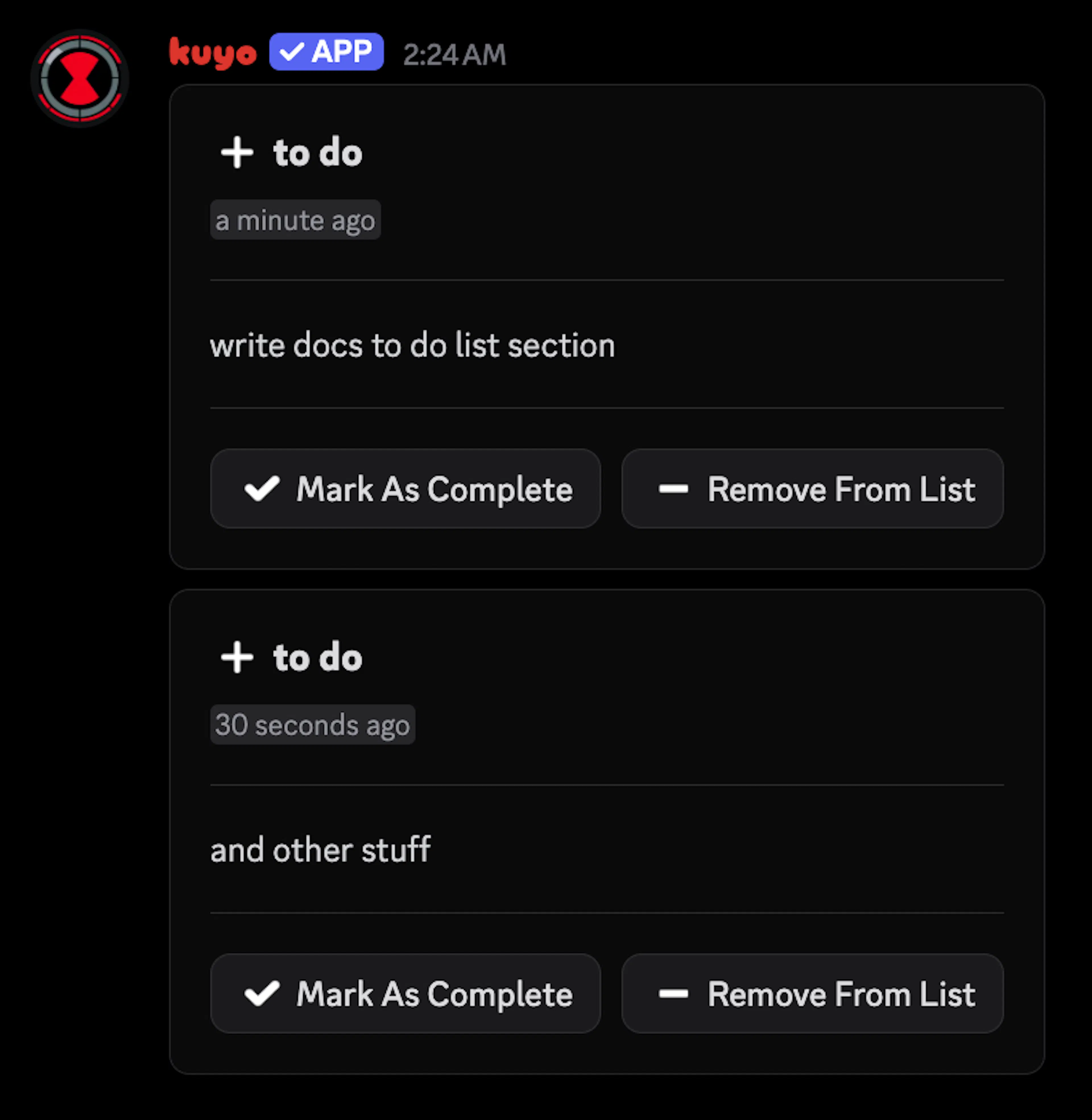
To Do List
Keep personal to-do lists, share them and get reminders
You can open your to-do lists with the /todo menu. Your lists belong to you, not the server, so only you and the people you share a list with can see them.
You can have up to 20 lists. Switch between them with the dropdown at the top. To check off or remove items, enter their numbers, like 1, 3, 4.
Your default list is the one that opens first and the one quick adds go to. You can change it in the settings.
Right-click any message and pick Apps > Add to To Do List to save it as an item.
Chat shortcuts
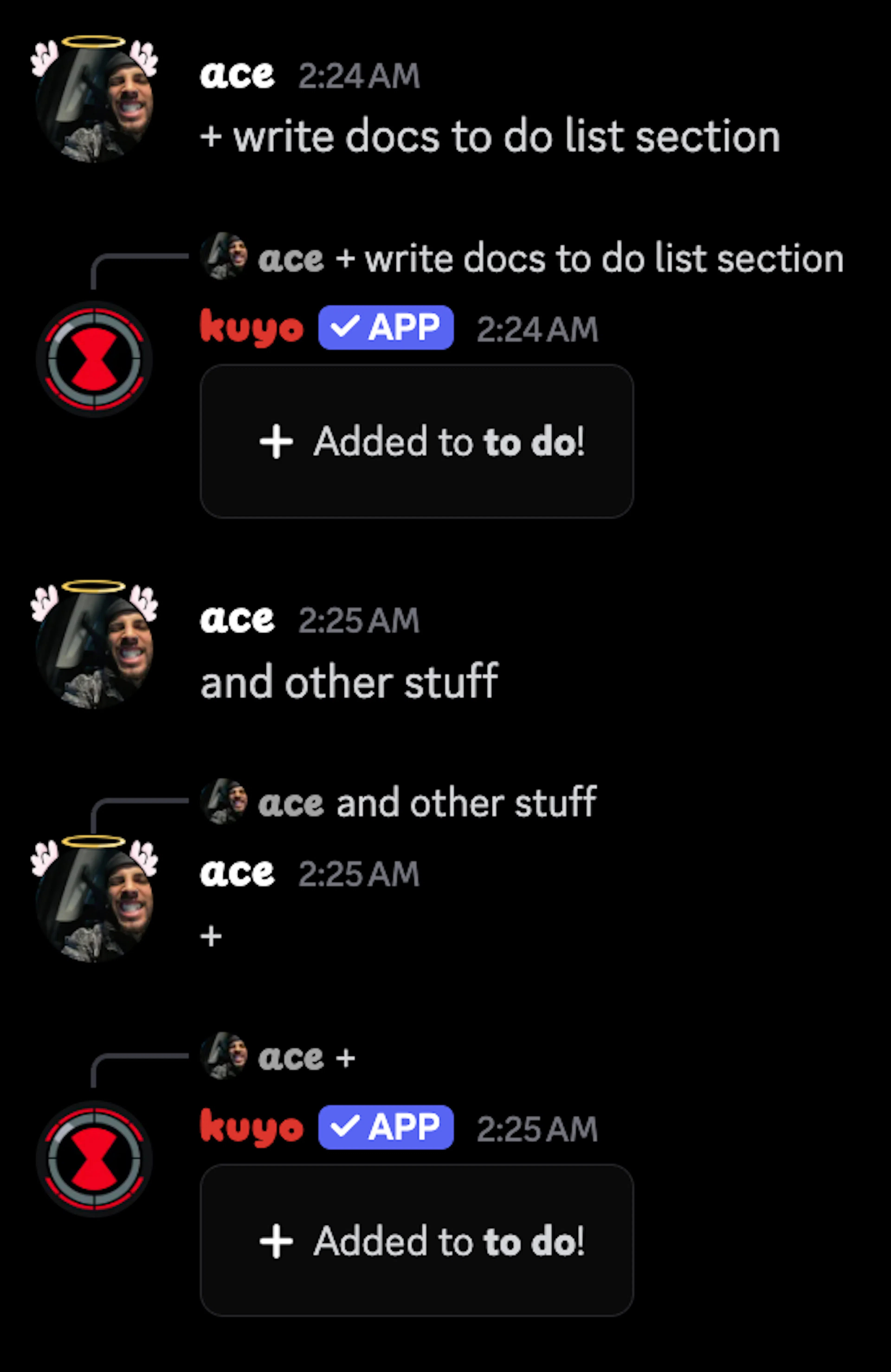
Turn on Chat Shortcuts in the settings to edit your default list by sending a message:
+ buy milk adds an item.
- 2 removes item 2.
+2 buy milk adds it to your second list.
You can also reply to any message with + to add it to your list.
Reminders
Turn on Reminder And Due Date in the settings, then you can set a reminder when you add an item, like in 2h or today 3pm cest. Reminders come in your DMs if DM On Add is on, otherwise in the channel your list is posted in.
Sharing and channels
Use /todo share @user to let someone edit a list with you. They need to accept within 5 minutes.
With /todo channel, Kuyo posts your list in a channel and keeps it updated as you change it. You can also make new items send to your DMs with /todo dm.